How to Use Hooks in Claude Code

Tijani Eneye
March 16, 2026
Claude Code is great at writing code, but it doesn't always remember to format files, run your tests, or avoid touching things it shouldn't. You can ask nicely in your CLAUDE.md, but that's a suggestion not a guarantee.
Hooks fix this. They're scripts that fire automatically at specific points in Claude Code's lifecycle. If you set up a hook to run your formatter after every file edit, it runs every single time. No exceptions.
The examples below use Laravel and Node.js, but hooks are just shell scripts they work with any stack.
The Two Hooks You Need to Know
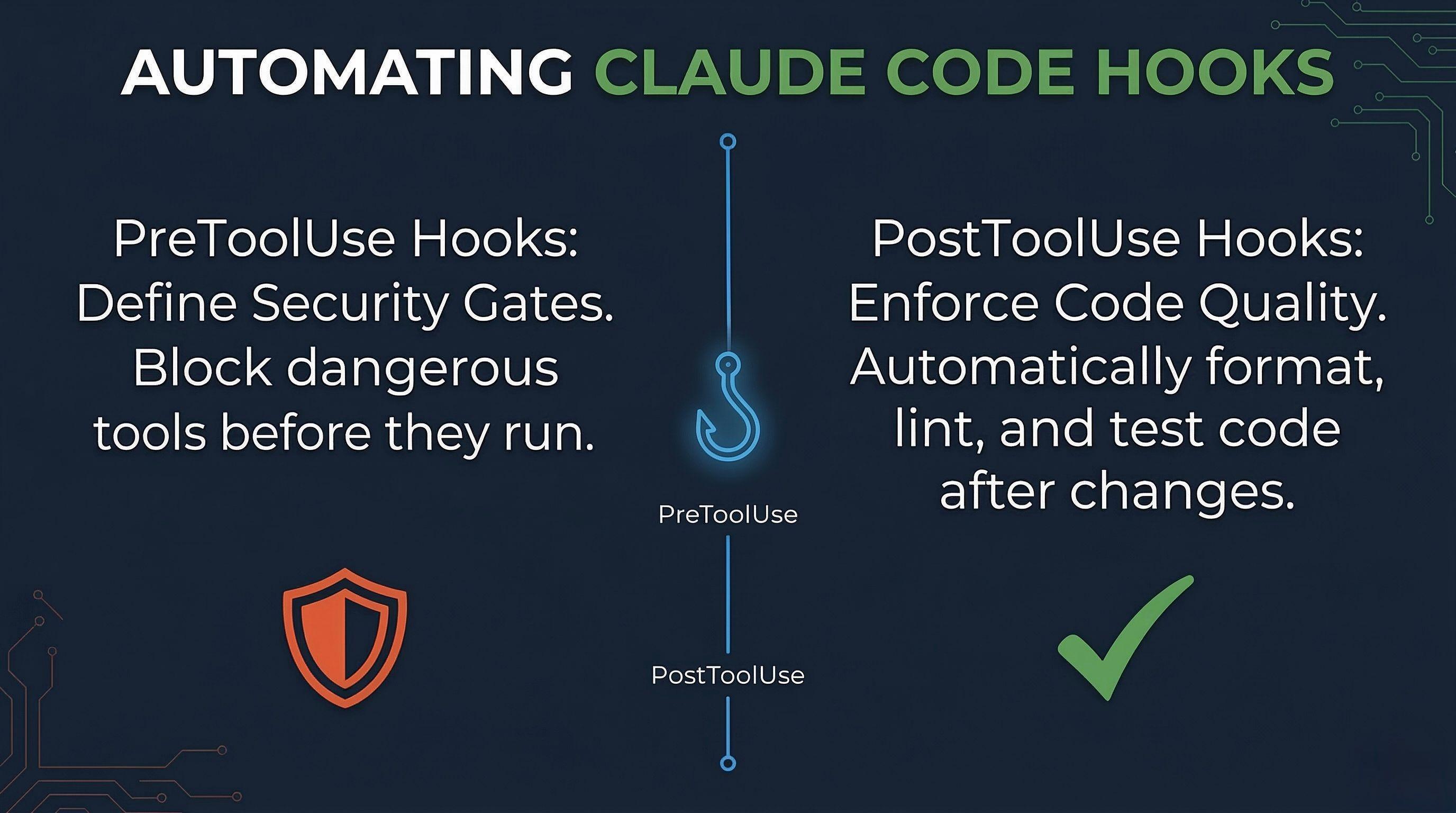
PreToolUse runs before Claude executes a tool. You can block the action by exiting with code 2. Use this for security gates and file protection.
PostToolUse runs after a tool executes. You can't block anything (it already happened), but you can run formatters, linters, and tests against what Claude just changed.
Where to Configure Them
Hooks live in your settings JSON. Pick the scope that makes sense:
- Project (shared):
.claude/settings.jsoncommit this so the whole team gets the same hooks - Project (local):
.claude/settings.local.jsonpersonal, not committed - Global:
~/.claude/settings.jsonapplies to every project
You can also type /hooks inside Claude Code to browse what's configured.
How It Works
When a hook fires, Claude Code pipes a JSON payload to your script via stdin. The payload looks like this:
{
  "hook_event_name": "PreToolUse",
  "tool_name": "Write",
  "tool_input": {
    "file_path": "app/Services/PaymentService.php"
  },
  "session_id": "abc123...",
  "cwd": "/home/user/project"
}
Your script reads it, does its thing, and exits. Exit 0 means everything is fine. Exit 2 means block the action (PreToolUse only). Anything else is a non-blocking warning.
Protect Critical Files (PreToolUse)
Every project has files Claude should never touch your .env, production configs, credentials, or lock files. This PreToolUse hook blocks any read or write attempt before it happens.
Laravel version protects .env, database config, services config, and deployed migrations:
# .claude/hooks/protect-files.sh
#!/bin/bash
INPUT=$(cat)
TOOL=$(echo "$INPUT" | jq -r '.tool_name')
FILE=$(echo "$INPUT" | jq -r '.tool_input.file_path // .tool_input.filePath // .tool_input.path // empty')

[ -z "$FILE" ] && exit 0

PROTECTED="\.env|config/database\.php|config/services\.php|database/migrations/2[0-9]{3}.*\.php"

if echo "$FILE" | grep -qE "$PROTECTED"; then
  echo "BLOCKED: $TOOL on protected file: $FILE" >&2
  exit 2
fi
exit 0
Node.js version protects .env, package-lock.json, and anything in credentials/ or secrets/:
# .claude/hooks/protect-files.sh
#!/bin/bash
INPUT=$(cat)
TOOL=$(echo "$INPUT" | jq -r '.tool_name')
FILE=$(echo "$INPUT" | jq -r '.tool_input.file_path // .tool_input.filePath // .tool_input.path // empty')

[ -z "$FILE" ] && exit 0

PROTECTED="\.env|package-lock\.json|yarn\.lock|credentials/|secrets/"

if echo "$FILE" | grep -qE "$PROTECTED"; then
  echo "BLOCKED: $TOOL on protected file: $FILE" >&2
  exit 2
fi
exit 0
Exit 2 is what makes this work it tells Claude Code to block the tool call entirely. Claude sees the error message and suggests a different approach instead of silently proceeding.
Auto-Format on Save (PostToolUse)
Every time Claude writes or edits a file, run your formatter automatically. No more reviewing diffs full of inconsistent formatting.
Laravel Pint:
# .claude/hooks/format.sh
#!/bin/bash
INPUT=$(cat)
FILE=$(echo "$INPUT" | jq -r '.tool_input.file_path // .tool_input.filePath // empty')

if [ -n "$FILE" ] && [[ "$FILE" == *.php ]] && [ -f "$FILE" ]; then
  ./vendor/bin/pint "$FILE" --quiet 2>/dev/null
fi
exit 0
Node.js Prettier:
# .claude/hooks/format.sh
#!/bin/bash
INPUT=$(cat)
FILE=$(echo "$INPUT" | jq -r '.tool_input.file_path // .tool_input.filePath // empty')

if [ -n "$FILE" ] && [ -f "$FILE" ]; then
  npx prettier --write "$FILE" 2>/dev/null
fi
exit 0
Run Static Analysis (PostToolUse)
After Claude edits a file, run your static analysis tool so it gets immediate feedback on type errors or code smells.
Laravel Larastan (PHPStan):
# .claude/hooks/analyse.sh
#!/bin/bash
INPUT=$(cat)
FILE=$(echo "$INPUT" | jq -r '.tool_input.file_path // .tool_input.filePath // empty')

if [ -n "$FILE" ] && [[ "$FILE" == *.php ]] && [ -f "$FILE" ]; then
  ./vendor/bin/phpstan analyse "$FILE" --memory-limit=512M 2>&1
fi
exit 0
Node.js ESLint:
# .claude/hooks/analyse.sh
#!/bin/bash
INPUT=$(cat)
FILE=$(echo "$INPUT" | jq -r '.tool_input.file_path // .tool_input.filePath // empty')

if [ -n "$FILE" ] && echo "$FILE" | grep -qE "\.(js|ts|jsx|tsx)$" && [ -f "$FILE" ]; then
  npx eslint "$FILE" 2>&1
fi
exit 0
The output goes to stdout, which Claude can see in verbose mode. If the analyser finds issues, Claude gets that feedback and can fix them in the next step.
Run Tests (PostToolUse)
When Claude modifies source or test files, run your test suite so failures are caught immediately.
Laravel:
# .claude/hooks/run-tests.sh
#!/bin/bash
INPUT=$(cat)
FILE=$(echo "$INPUT" | jq -r '.tool_input.file_path // .tool_input.filePath // empty')

if echo "$FILE" | grep -qE "^(app|tests)/.*\.php$"; then
  php artisan test --parallel 2>&1
fi
exit 0
Node.js:
# .claude/hooks/run-tests.sh
#!/bin/bash
INPUT=$(cat)
FILE=$(echo "$INPUT" | jq -r '.tool_input.file_path // .tool_input.filePath // empty')

if echo "$FILE" | grep -qE "^(src|tests?|__tests__)/.*\.(js|ts|jsx|tsx)$"; then
  npm test 2>&1
fi
exit 0
Putting It All Together
Here's the .claude/settings.json that wires everything up. This config is identical for both stacks the scripts themselves handle the language-specific logic.
{
  "hooks": {
    "PreToolUse": [
      {
        "matcher": "Read|Write|Edit|MultiEdit",
        "hooks": [
          {
            "type": "command",
            "command": ".claude/hooks/protect-files.sh"
          }
        ]
      }
    ],
    "PostToolUse": [
      {
        "matcher": "Write|Edit|MultiEdit",
        "hooks": [
          {
            "type": "command",
            "command": ".claude/hooks/format.sh"
          },
          {
            "type": "command",
            "command": ".claude/hooks/analyse.sh"
          },
          {
            "type": "command",
            "command": ".claude/hooks/run-tests.sh"
          }
        ]
      }
    ]
  }
}
The PreToolUse hook runs first, guarding your sensitive files. If the action is allowed, the three PostToolUse hooks fire in order: format, analyse, test.
Make each script executable:
chmod +x .claude/hooks/protect-files.sh .claude/hooks/format.sh .claude/hooks/analyse.sh .claude/hooks/run-tests.sh
Bonus: Running Laravel Commands With Hooks
Hooks aren't limited to formatters and test runners. Since they're just shell scripts, you can run any artisan command in response to what Claude does.
Clear Cache After Config Changes
When Claude edits anything in config/, clear the config cache so your app picks up the changes immediately.
# .claude/hooks/clear-cache.sh
#!/bin/bash
INPUT=$(cat)
FILE=$(echo "$INPUT" | jq -r '.tool_input.file_path // .tool_input.filePath // empty')

if echo "$FILE" | grep -qE "^config/.*\.php$"; then
  php artisan config:clear 2>&1
  php artisan cache:clear 2>&1
fi
exit 0
Regenerate IDE Helpers After Model Changes
If you use barryvdh/laravel-ide-helper, this hook regenerates model docblocks whenever Claude edits a model file keeping your autocomplete accurate.
# .claude/hooks/ide-helper.sh
#!/bin/bash
INPUT=$(cat)
FILE=$(echo "$INPUT" | jq -r '.tool_input.file_path // .tool_input.filePath // empty')

if echo "$FILE" | grep -qE "^app/Models/.*\.php$"; then
  php artisan ide-helper:models --nowrite 2>&1
fi
exit 0
Run Migrations After New Migration Files
When Claude creates a new migration file, run migrate so you can test against the updated schema right away.
# .claude/hooks/migrate.sh
#!/bin/bash
INPUT=$(cat)
FILE=$(echo "$INPUT" | jq -r '.tool_input.file_path // .tool_input.filePath // empty')

if echo "$FILE" | grep -qE "^database/migrations/.*\.php$"; then
  php artisan migrate 2>&1
fi
exit 0
Block Dangerous Artisan Commands (PreToolUse)
This one's a PreToolUse hook on the Bash tool. It catches Claude trying to run destructive artisan commands like migrate:fresh, db:wipe, or down before they execute.
# .claude/hooks/block-artisan.sh
#!/bin/bash
INPUT=$(cat)
COMMAND=$(echo "$INPUT" | jq -r '.tool_input.command // empty')

[ -z "$COMMAND" ] && exit 0

DANGEROUS="artisan migrate:fresh|artisan migrate:reset|artisan db:wipe|artisan down|artisan key:generate"

if echo "$COMMAND" | grep -qE "$DANGEROUS"; then
  echo "BLOCKED: Dangerous artisan command: $COMMAND" >&2
  exit 2
fi
exit 0
Adding These to Your Config
Add the PostToolUse hooks alongside your existing ones, and the PreToolUse artisan blocker as a separate matcher for Bash:
{
  "hooks": {
    "PreToolUse": [
      {
        "matcher": "Read|Write|Edit|MultiEdit",
        "hooks": [
          { "type": "command", "command": ".claude/hooks/protect-files.sh" }
        ]
      },
      {
        "matcher": "Bash",
        "hooks": [
          { "type": "command", "command": ".claude/hooks/block-artisan.sh" }
        ]
      }
    ],
    "PostToolUse": [
      {
        "matcher": "Write|Edit|MultiEdit",
        "hooks": [
          { "type": "command", "command": ".claude/hooks/format.sh" },
          { "type": "command", "command": ".claude/hooks/analyse.sh" },
          { "type": "command", "command": ".claude/hooks/run-tests.sh" },
          { "type": "command", "command": ".claude/hooks/clear-cache.sh" },
          { "type": "command", "command": ".claude/hooks/ide-helper.sh" },
          { "type": "command", "command": ".claude/hooks/migrate.sh" }
        ]
      }
    ]
  }
}
Each hook script checks the file path internally, so they only do work when it's relevant. Editing a controller won't trigger a migration, and editing a config file won't regenerate IDE helpers.
One Thing to Watch
Every time a formatter changes a file, Claude gets a system reminder about it, which eats into your context window. If your formatter is reformatting heavily on every edit, consider moving the format step to a Stop hook instead it runs once when Claude finishes responding rather than after every individual edit.
{
  "hooks": {
    "Stop": [
      {
        "matcher": "",
        "hooks": [
          {
            "type": "command",
            "command": ".claude/hooks/format.sh"
          }
        ]
      }
    ]
  }
}
That's it. Four scripts, one config file, and Claude Code now protects your sensitive files, formats your code, runs static analysis, and executes your tests automatically every time, without being asked. Swap the commands inside the scripts for whatever tools your stack uses, and the same pattern works anywhere.